Install the Downloader app
From the Fire TV home screen, open the Amazon Appstore, search for Downloader by AFTVnews, and press Download to install the app.
Follow the three steps below to sideload NovaTV on any Fire TV or Fire TV Stick device using the Downloader application.
From the Fire TV home screen, open the Amazon Appstore, search for Downloader by AFTVnews, and press Download to install the app.
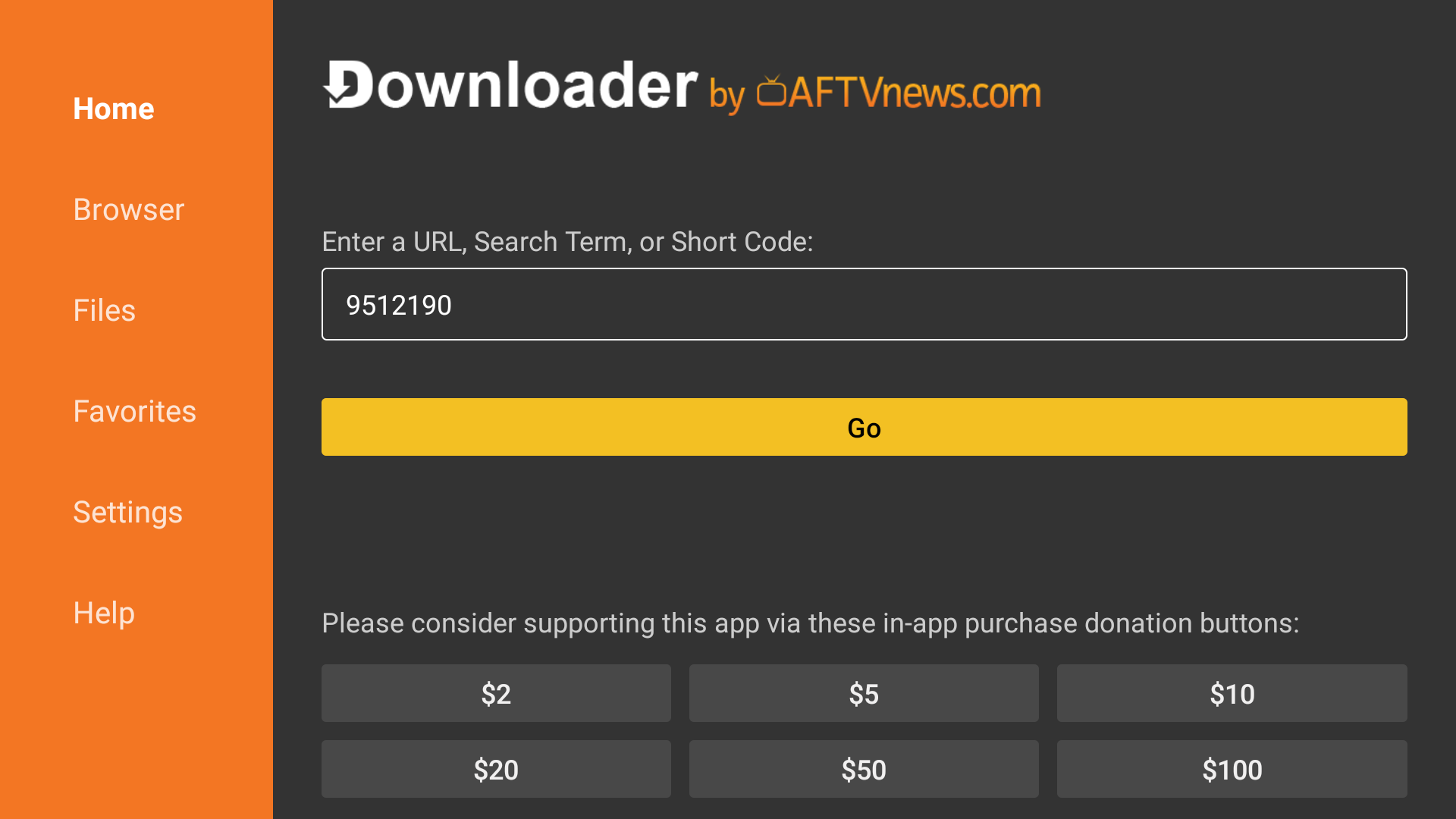
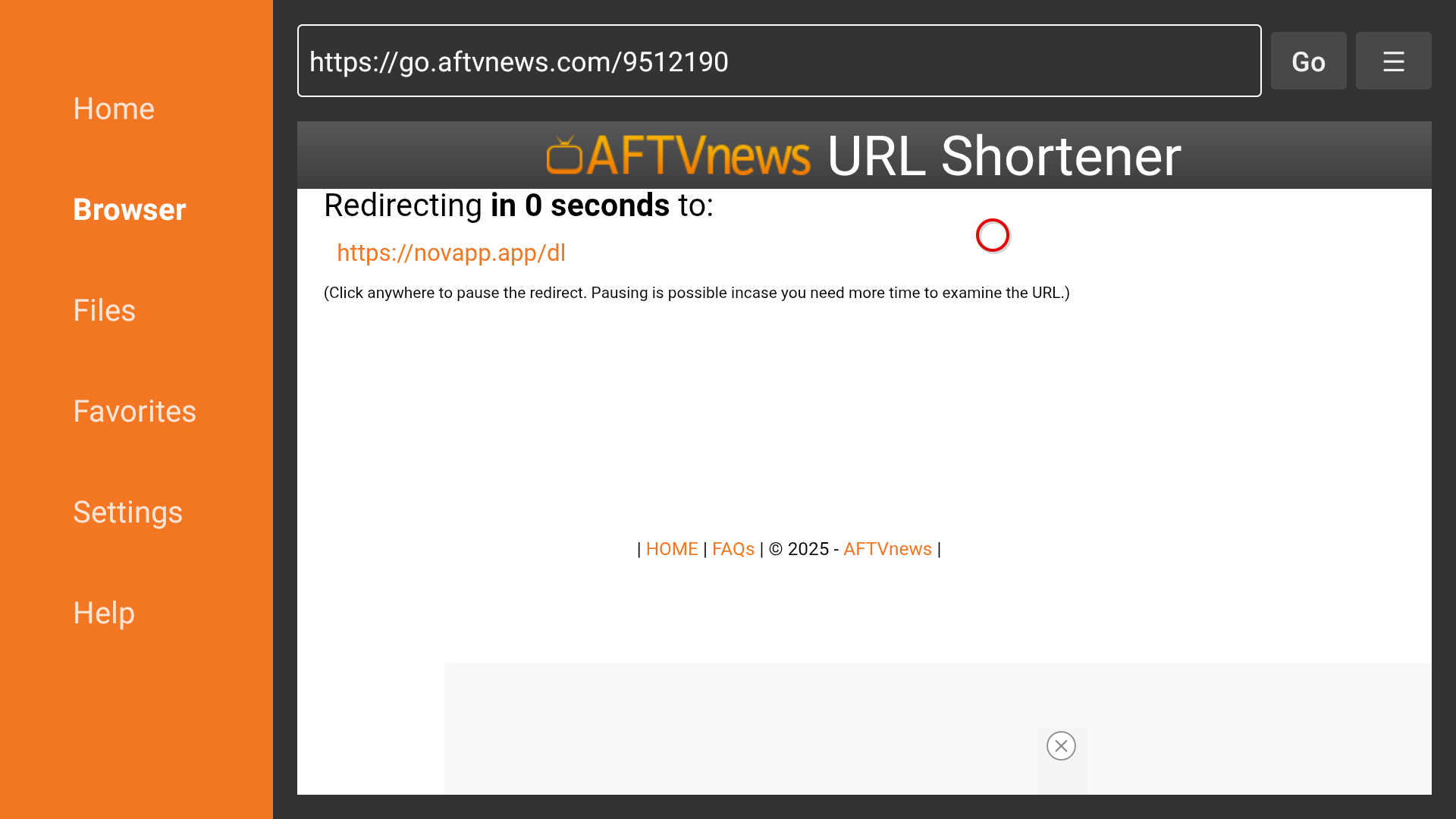
Launch Downloader. In the address field type https://novapp.app/dl or use the short code 9512190, then click Go.
Downloader will fetch the APK file. When the download completes, choose Install. After installation finishes you can tap Done and delete the file to free up storage.
If this is your first time sideloading, make sure Downloader is allowed to install apps:
After enabling the permission, return to Downloader and repeat the steps above if required.